
Which converter should I use?
All converters produce the same kind of output: a plain SVG file where every separate shape is its own editable path. They differ in the starting settings and in the advice on each page. If your image has only one or two colours (text, logos, signatures, scans), use Black & white tracing. If it has several flat colours (illustrations, icons, stickers), use Colour tracing. For full control over every setting, open the editor directly.
Before · PNGAfter · SVG · 18 shapes
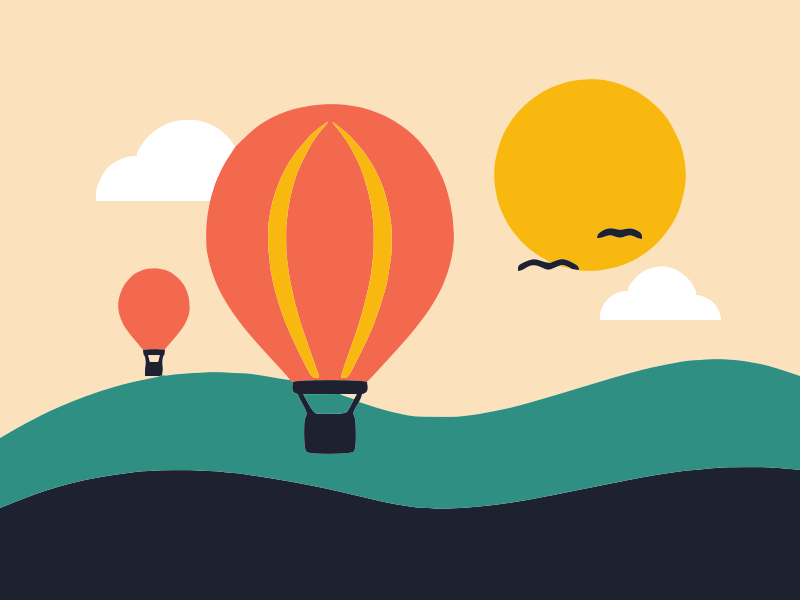
Free converterVectorize imageConvert any raster image to vector: PNG, JPG, WebP, GIF or BMP in, clean editable SVG out.Read more
Before · PNGAfter · SVG · 7 shapes
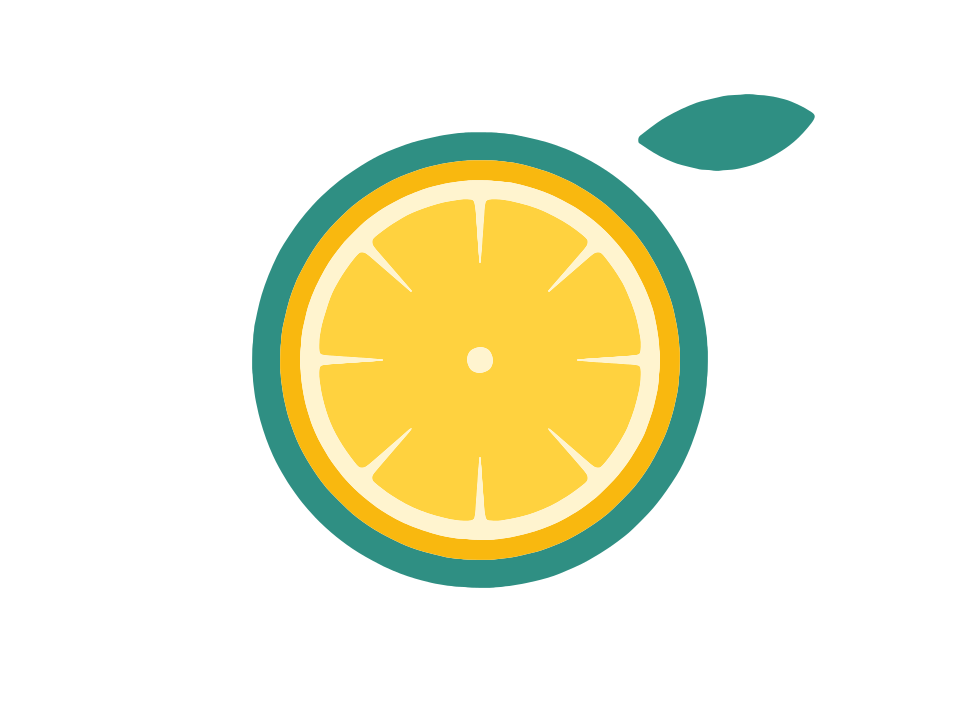
Free converterPNG to SVGTurn PNG logos, icons and illustrations into clean vector SVG, with transparency kept as empty space.Read more
Before · JPGAfter · SVG · 30 shapes
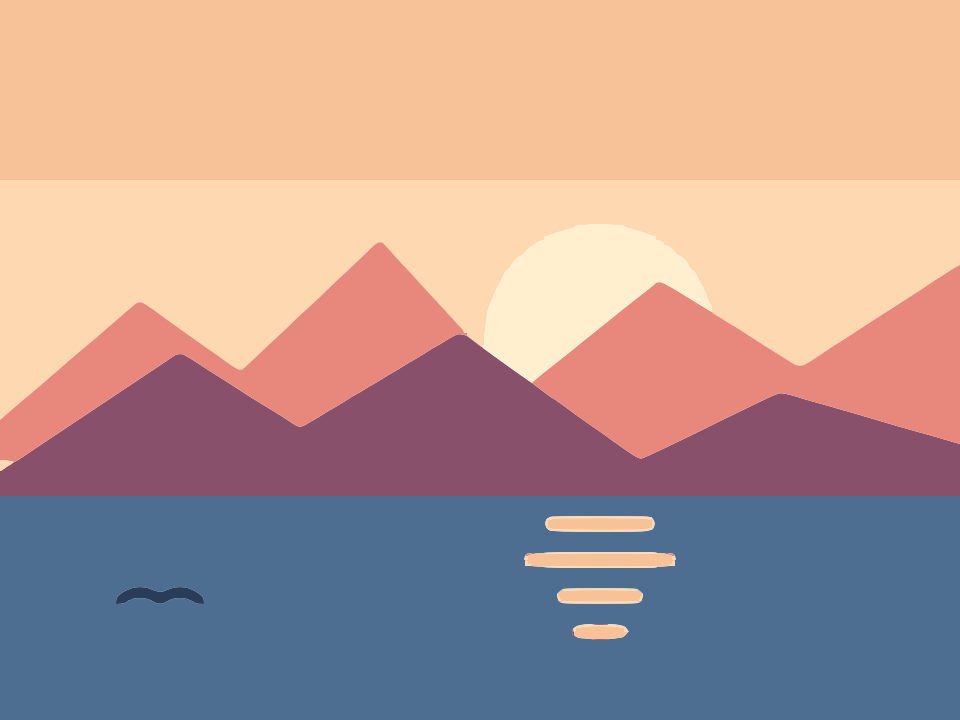
Free converterJPG to SVGConvert JPG and JPEG graphics to SVG, with settings that clean up compression noise.Read more
Before · PNGAfter · SVG · 7 shapes
Free converterWebP to SVGTurn WebP images saved from websites into scalable vector SVG, with transparency kept as empty space.Read more
Before · PNGAfter · SVG · 39 shapes
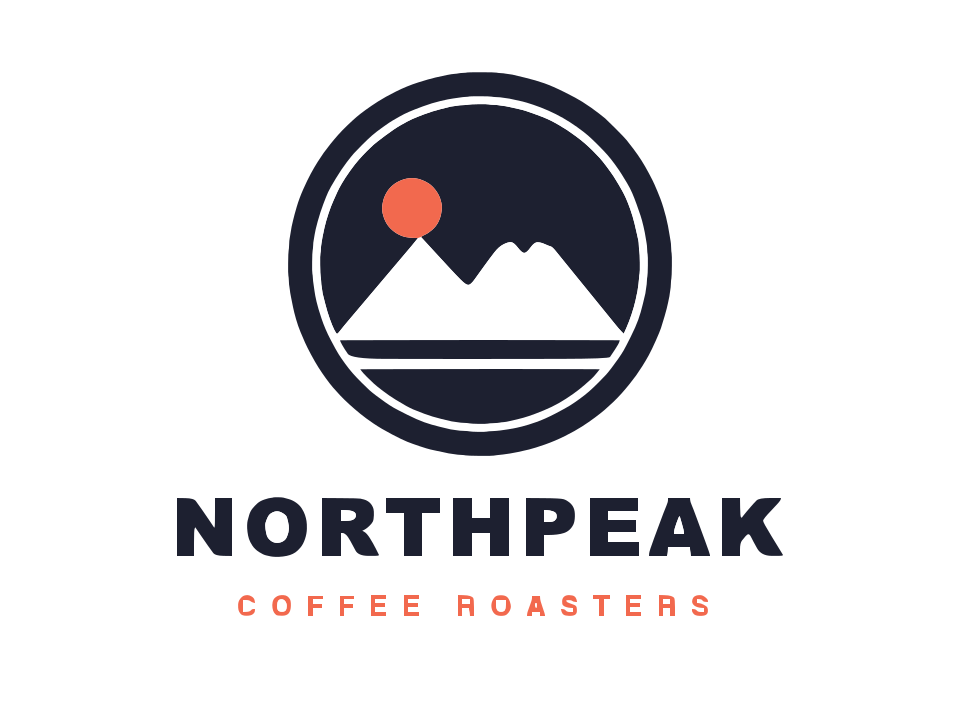
Free converterLogo to vectorVectorize a logo into a crisp SVG with sharp corners and a separate path for every letter.Read more
Before · JPGAfter · SVG · 30 shapes
Free converterPhoto to SVGTurn photos into flat-colour poster, stencil and silhouette art as editable SVG vectors.Read more
Before · ScanAfter · SVG · 13 shapes
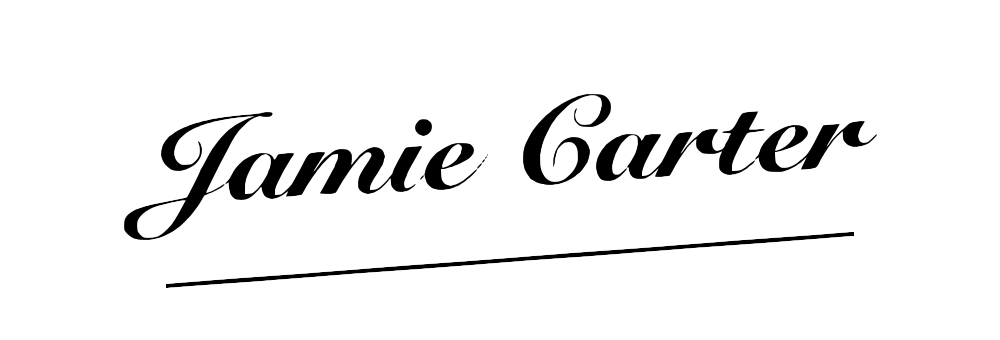
Free converterSignature to SVGTurn a scanned or photographed signature into a transparent SVG, privately, without uploading it.Read more
Before · PhotoAfter · SVG · 4 shapes
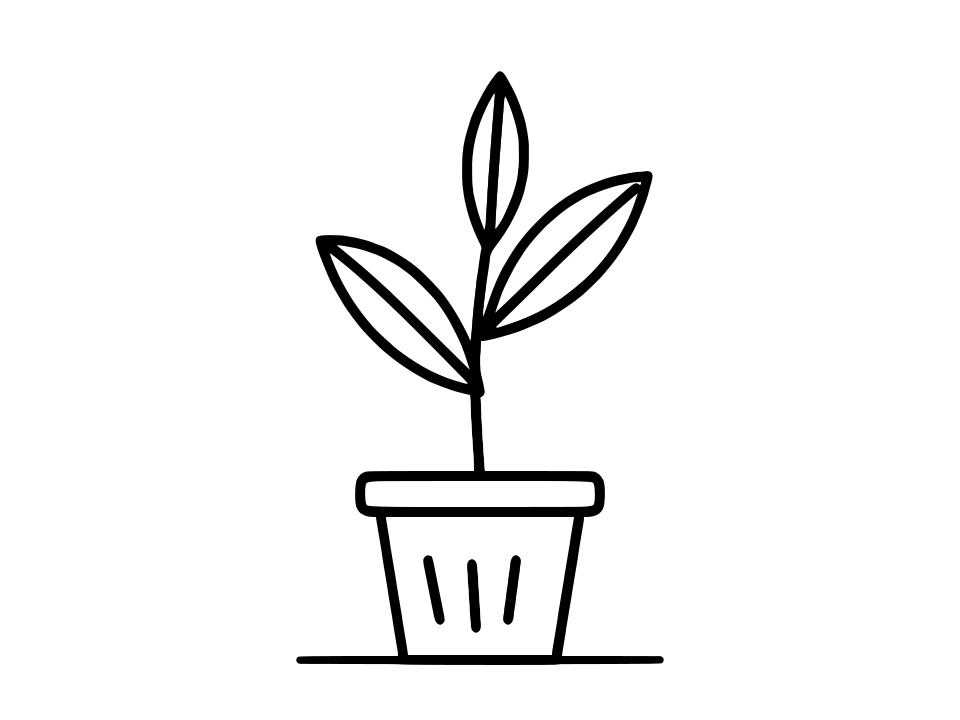
Free converterLine art to vectorTurn inked drawings, comics and pencil sketches into clean, scalable SVG line art.Read more
Before · PNGAfter · SVG · 4 shapes
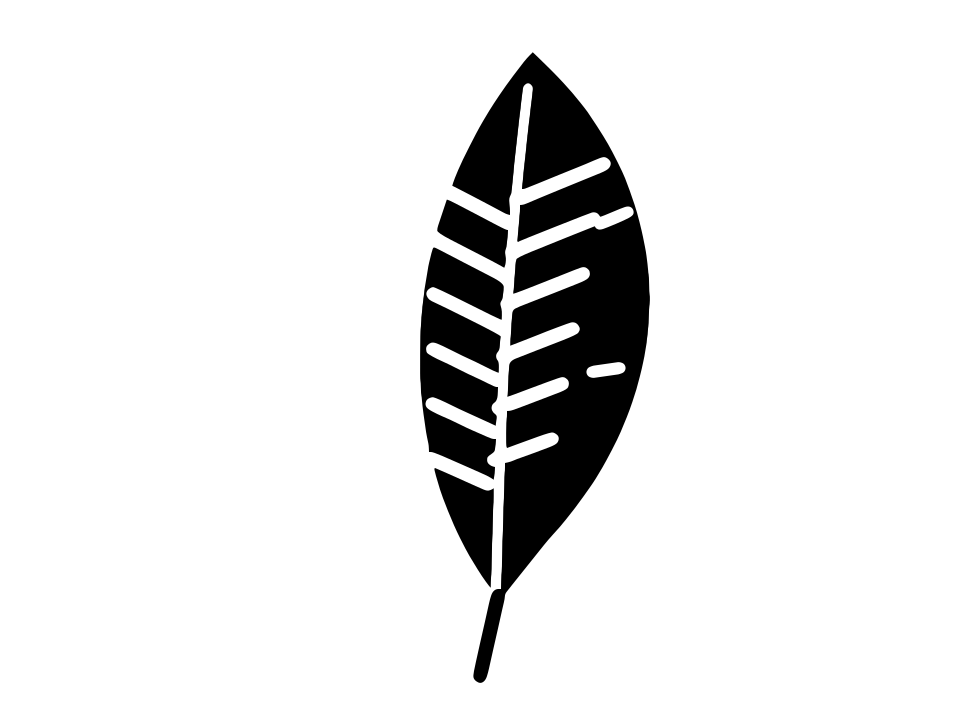
Free converterImage to SVG for CricutMake clean SVG cut files for Cricut, Silhouette, vinyl and laser cutting from any simple image.Read more
Before · PNGAfter · SVG · 4 shapes
Free converterSVG for laser cuttingTurn an image into a laser cutter SVG with closed outlines, real holes and no stray specks.Read more
Last updated