
Sharp on a business card or a billboard
Your image is rebuilt as smooth curves and clean corners, so it never blurs or pixelates, however far you scale it. Move the lens to compare.

 Original
SVG · 2×
FreeImage to SVG converter
Drop in a blurry logo, a sketch or a flat illustration. Image Tracer rebuilds it as clean vector shapes in seconds, ready to scale, recolour, print or cut.
Before · PNGAfter · SVG
Why it's worth it
Rebuilding an image by hand with the pen tool takes hours. Image Tracer gives you a clean vector instantly, so you can get on with the design.
Your image is rebuilt as smooth curves and clean corners, so it never blurs or pixelates, however far you scale it. Move the lens to compare.
Original
SVG · 2×
Each shape arrives as its own layer. Recolour the balloon or drop the background in one click.


Closed outlines and real holes that Cricut, Silhouette and laser cutters follow cleanly.
Change detail, smoothness or colours and watch the result update as you go.
Screenshots, scans, old JPG logos, a phone photo of a drawing. You get a standard SVG back.
How it works
No installs, no sign-up forms, no waiting in a queue.
Drag it in, paste it, or browse. PNG, JPG, WebP, GIF and BMP all work.
Pick black & white or colour, then adjust the detail with an instant preview.
A clean SVG with every shape separate, ready for any design tool.
Made for your project
Dedicated converters with tuned settings and step-by-step advice. Hover a card to watch it trace again.
Rebuild a fuzzy logo with crisp edges, true corners and clean type.
Open converter
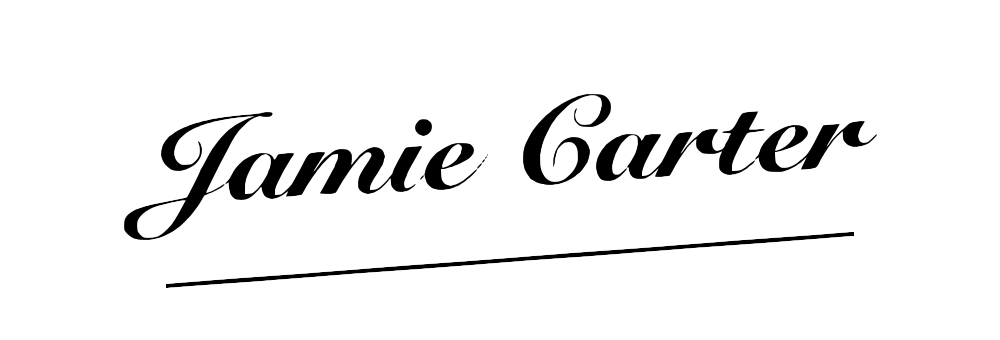
A clean, transparent signature for contracts, PDFs and email.
Open converter
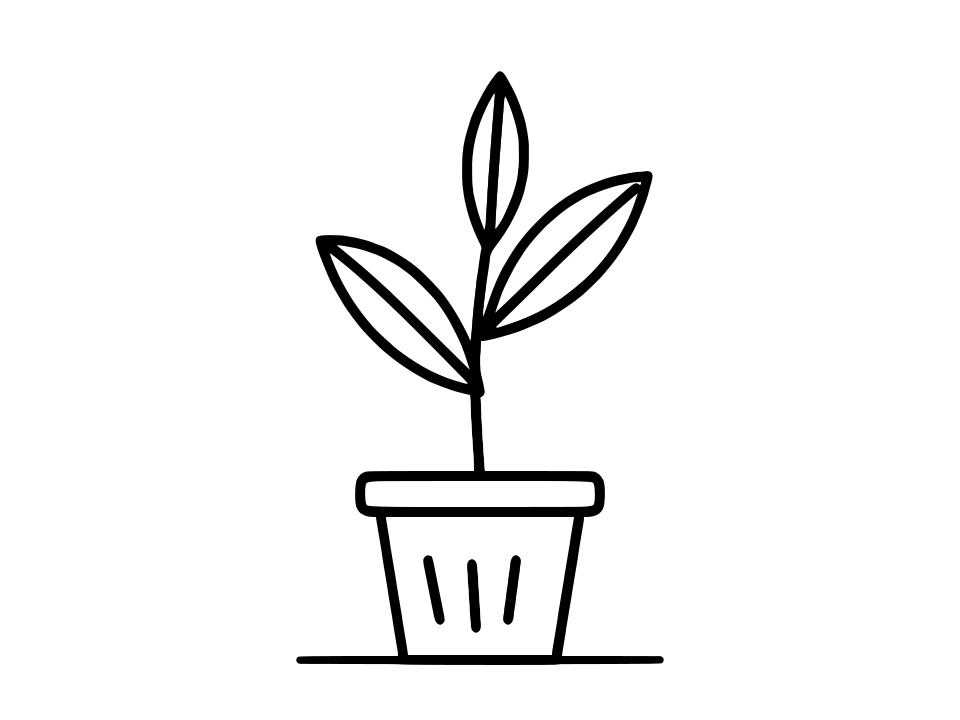
Turn ink drawings and sketchbook scans into smooth vector shapes.
Open converter
Cut files with closed outlines and real holes, ready to weed.
Open converter
Transparent backgrounds stay transparent, every shape its own path.
Open converter
Blocky JPEG noise flattened into clean, flat colour shapes.
Open converterFAQ
Still curious? Read the documentation, the guides, or see how Image Tracer compares with other tools.
An image tracer (also called a vectorizer) converts a raster image made of pixels, such as a PNG or JPG, into a vector image made of shapes and curves, usually an SVG. Vectors stay sharp at any size and every shape can be edited. Image Tracer does this for free in your browser.
Open the app, drop your image in, pick Black & white or Colour, adjust the detail with the live preview and click Download SVG. There are step-by-step guides for PNG to SVG, JPG to SVG and vectorizing any image.
Yes, completely. There is no trial, no credit system, no download limit and no watermark on your file. The project is open source.
No. Open the app, drop an image and download your SVG. No sign-up, no email, no login.
Nothing leaves your computer. The tracing runs inside your browser on your own device, which makes it safe for client logos, signatures and unreleased work.
Logos, icons, text, signatures, line art and flat illustrations give the cleanest results. Photos can be traced too, but they come out as poster-style artwork rather than a realistic copy.
Yes. Every shape is a separate path with real holes, so in Illustrator, Figma, Inkscape, Affinity or Canva you can recolour, move or delete any part on its own.
Yes. The file is a standard SVG made of closed, filled shapes, which Cricut Design Space, Silhouette Studio and laser software import directly. See the cut-file guide for the best settings.
Open Image Tracer, drop in a file and download a clean SVG. It's free, and it takes about ten seconds.